From Terminal to Slack: Moving HITL Out of the Developer's IDE
Most agent frameworks treat human-in-the-loop as a developer feature. LangGraph has interrupt(). CrewAI has human_input=True. The Anthropic Agent SDK has human_input_callback. They all work roughly the same way: the agent pauses and waits for someone to type something into a terminal.
That works fine when the reviewer is the developer who built the agent. But in production, the person who needs to approve an agent's action is rarely the person who wrote the code.
It's an account manager verifying a customer email. A compliance officer signing off on a financial transaction. An ops lead confirming a refund. These people don't have a terminal open. They live in Slack.
The terminal assumption
Framework-level HITL is designed around a single assumption: the reviewer is a developer, sitting in front of an IDE, available right now. This creates three problems in production:
- Wrong reviewer. The developer who built the agent isn't the domain expert. A support agent drafting refund responses needs review from someone who knows the refund policy — not the engineer who wired up the LLM calls.
- Wrong interface. Terminal prompts are fine for debugging. They're terrible for reviewing structured decisions. Non-technical reviewers need context, clear options, and a UI that doesn't require understanding JSON.
- Wrong timing. Terminal-based review is synchronous. The agent blocks, the developer types, the agent continues. But real reviews happen asynchronously — a compliance review might take an hour, a content approval might wait until the next morning.
These aren't edge cases. They're the default scenario for any agent that touches a business process.
What reviewers actually need
Think about what a non-technical reviewer needs to do their job effectively:
- Context. What did the agent do? What is it proposing? Why? Reviewers need a summary of the task, the relevant data, and what will happen next — presented in plain language, not raw API payloads.
- Clear actions. Approve or reject. Pick a category. Score from 1 to 5. Edit the draft. The review interface should match the decision being made, not force every review into a text input.
- Where they already are. If your team lives in Slack, reviews should happen in Slack. If they use Discord or Teams, same thing. Asking people to log into a separate tool for every review creates friction that kills adoption.
- No setup burden. A reviewer shouldn't need to install a CLI, configure SSH keys, or clone a repo. They should click a button in a Slack notification and be reviewing within seconds.
Moving reviews to Slack
The shift from terminal to Slack isn't just a UI change — it fundamentally changes who can participate in agent oversight. Consider the difference:
Terminal flow: Agent pauses → developer gets a terminal prompt → developer types “approve” → agent continues. One person, synchronous, requires technical context.
Slack flow: Agent submits a task → the right reviewer gets a Slack notification with a summary and action buttons → reviewer clicks “Approve” or “Reject” with optional feedback → agent picks up the decision and continues. Any team member, asynchronous, requires zero technical setup.
This unlocks use cases that are impossible with terminal-based HITL:
- Sales teams reviewing agent-drafted outbound emails before they're sent to prospects.
- Legal teams approving contract clause suggestions generated by a document review agent.
- Support leads classifying and routing agent-generated responses before they reach customers.
- Finance teams signing off on automated refund decisions that exceed a threshold.
In each case, the reviewer is a domain expert, not a developer. And they're making decisions in the tool they already have open all day.
Beyond simple notifications
Sending a Slack message with an “approve” button is straightforward. Building a production review system on top of Slack is not. Here's what you run into:
- Interactive modals. Simple approve/reject buttons work for binary decisions. But what about classification tasks with 8 categories? Or scoring with a 1-10 scale? Or editing a draft? You need Slack modals that adapt to the review type — radio buttons for classification, dropdowns for scoring, text areas for editing.
- Data presentation. The reviewer needs to see what they're reviewing. That means formatting task data into readable Slack blocks — handling nested objects, URLs, booleans, and long text fields without breaking the layout.
- User mapping. Slack users aren't your app users. You need to link Slack identities to your reviewer system so that reviews are attributed correctly and audit trails are meaningful.
- Message updates. After a review, the original Slack message should update to show who reviewed it, what they decided, and when. Stale messages create confusion.
- Multi-platform support. Not every team uses Slack. Some use Discord. Some use Teams. Supporting multiple platforms means building parallel integration layers with platform-specific UI constraints.
Building this from scratch is a significant engineering effort — and it's not the part of your product that creates differentiation. Your value is in the agent, not in the review infrastructure.
What this looks like with Datashift
This is the problem we built Datashift to solve. Connect your messaging platforms, define your review queues, and your agent routes tasks to the right reviewer on the right platform — no custom integration code required.
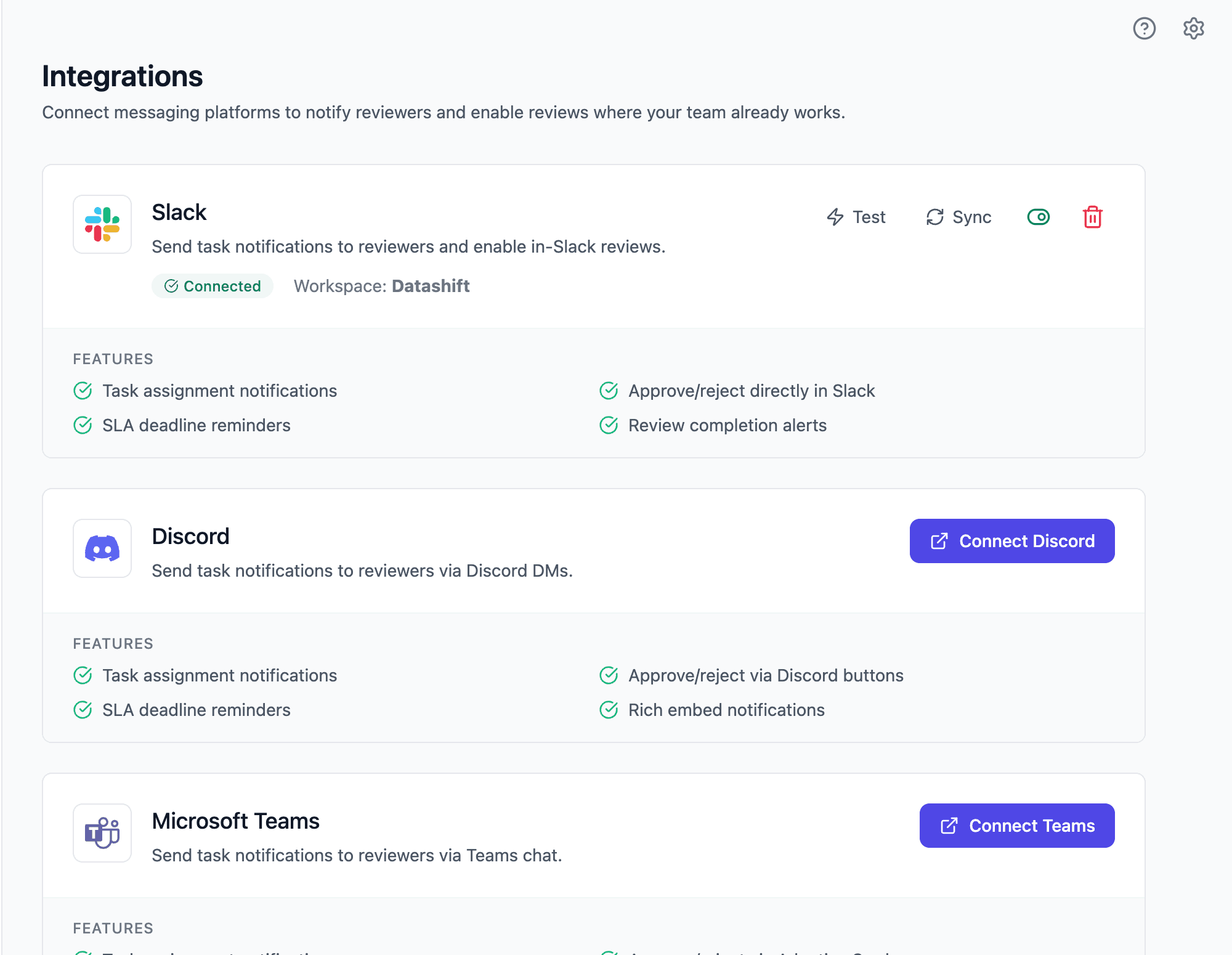
Reviewers get notified in Slack, Discord, or Teams. They open a native modal, see the task summary and data, and approve, reject, classify, or edit — directly in the tool they already use. The agent picks up the decision and continues. Every review is logged with the reviewer, decision, timestamp, and source platform.
For bulk reviews or a full dashboard view, reviewers can also use the Datashift console. You can read more in the docs.
The right person, the right tool, the right time
Terminal-based HITL was a good starting point. It proved that agent workflows need human checkpoints. But it assumed the reviewer is a developer, and that assumption breaks down the moment your agent interacts with a real business process.
Moving reviews to Slack, Discord, or Teams isn't just about convenience. It's about getting the right domain expert reviewing the right decision, in the tool they already use, without asking them to become developers. That's how you scale human-in-the-loop beyond the engineering team.